Your office suite, on servers in Quebec
Files, calendar, documents, chat and passwords. What your team does today in Microsoft 365 or Google Workspace, with free software that we install and maintain for you. Your email stays where it is, or moves as a separate engagement.
Hosted in Beauharnois, QC · Free software · Service in French and English
What it replaces
In grey and struck out, what you may be paying for today. Below it, what TSI Bureau includes.
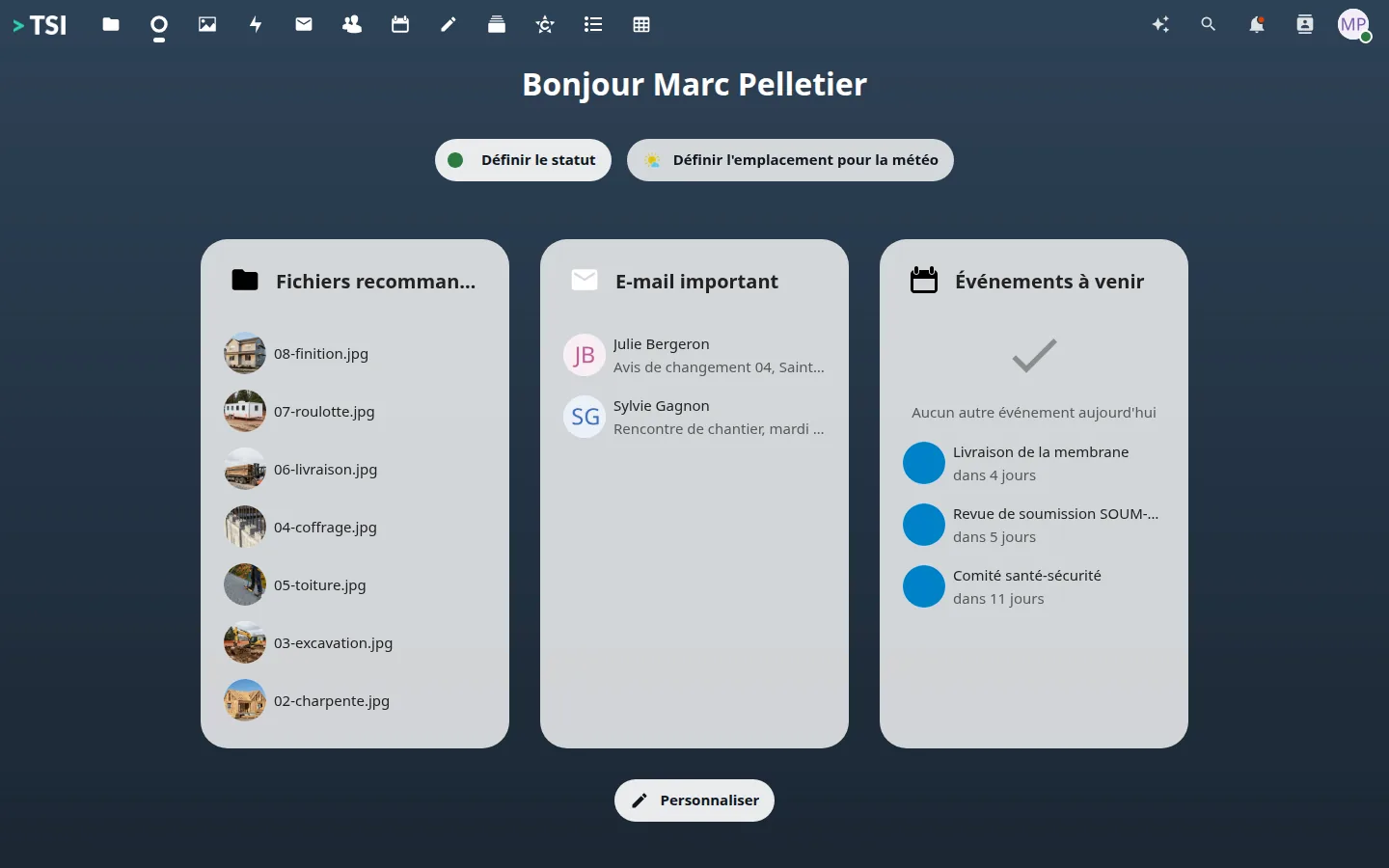
The team's day
What an employee opens in the morning, with familiar gestures.
- The company filesOne folder per job site or per client, shared by team.
- The team calendarAppointments, deliveries and meetings, synced with the phones.
- The address bookClients, suppliers and subcontractors in a single book.
- Team notesReminders and agendas, in one place.
On the job site
Tasks, photos and reports reach the company instead of staying in a phone.
- Task trackingA board per project, cards you move.
- Job-site photosTaken on the phone, filed in the company album.
- Field formsThe end-of-day report is filled in on site.
- The company handbookYour way of working, written once, with the history of every change.
Communicate and produce
Conversations and documents in the same window, and email once you add it.
- EmailAddresses at your own domain name, on a server that is yours. A separate engagement, outside the subscription.
- Team chatA room per job site, conversations that stay.
- DocumentsText, spreadsheet and slides, edited together in the browser.
Who gets in, who sees what
One place to open an account, close it and check what happened.
- A sign-in in your nameEmployees sign in on a page bearing your name.
- One account per employeeArrivals and departures are handled in one place.
- The activity logWho uploaded what, when, and in which folder.
- The password vaultShared passwords, encrypted, on your server.
Artificial intelligence, if you want it
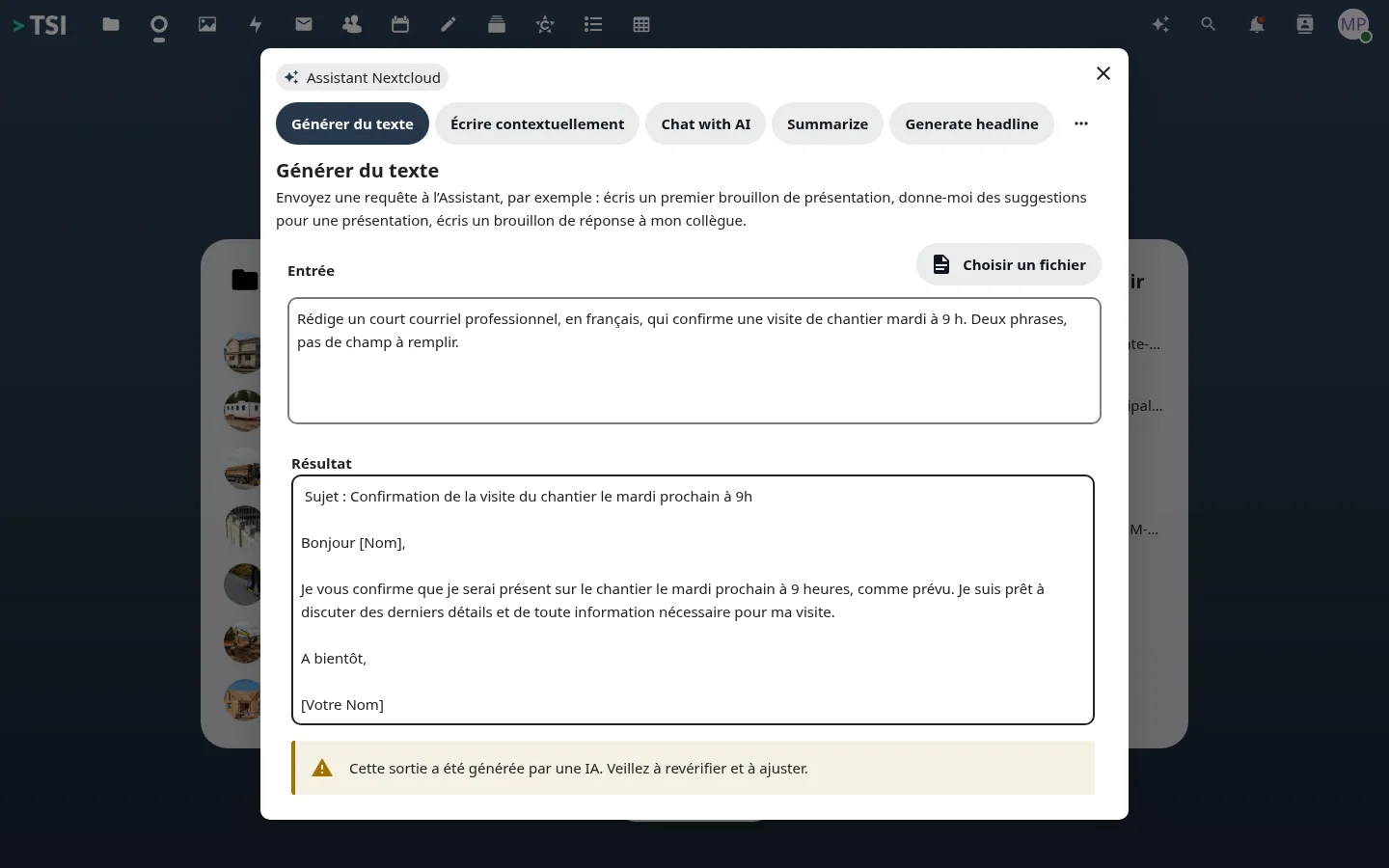
No AI is included or billed. The built-in writing assistant is in place, ready for the provider you choose.
Your administrator enters the address and key of a service compatible with the OpenAI API, or of a model on your own machines. Your texts go to it alone.
On the phone
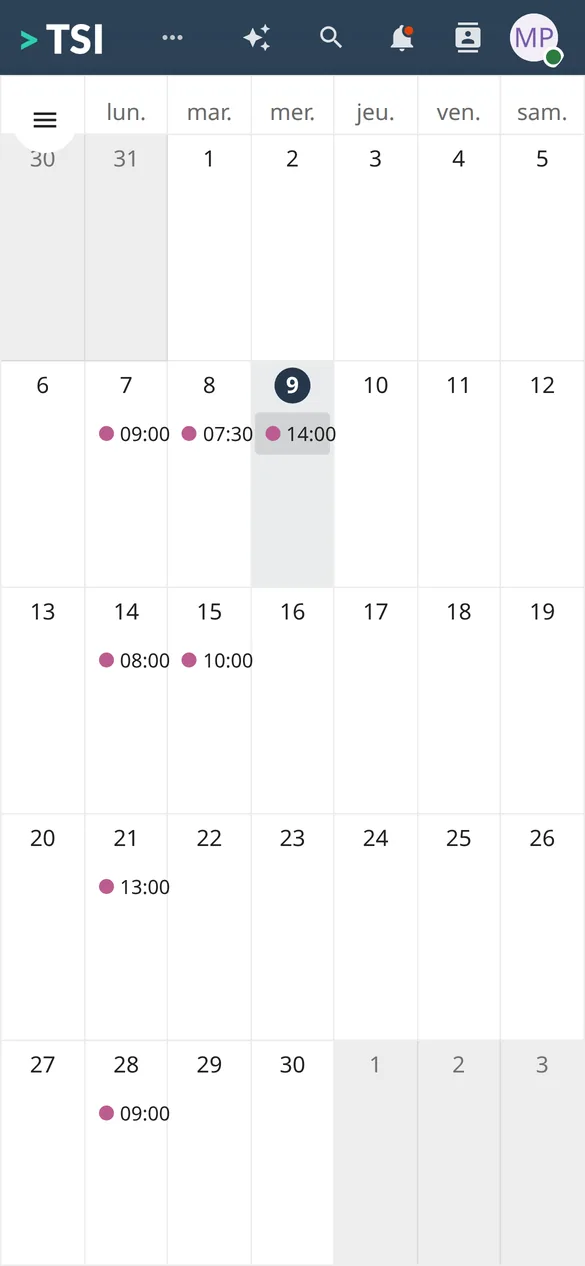
The same account and the same folders, from the job site.
- The month at a glanceReadable without pinching the screen.
- The job-site boardCards move under a thumb.
- Photos taken on siteThey land in the company album.

Which apps to install
| What you do | On the computer | On phone and tablet |
|---|---|---|
| Shared files and folders | Desktop app for Windows, macOS and Linux: a synced folder in the file explorer | Mobile app for iOS and Android |
| Job-site photos | They land in the synced folder, with nothing to do | Mobile app, with automatic camera-roll upload |
| Thunderbird, Outlook or Apple Mail (IMAP) | The phone's own Mail app, or Gmail and Outlook | |
| Calendar and contacts | Outlook, Thunderbird or Apple Calendar (CalDAV and CardDAV) | Natively on iPhone and iPad; on Android with DAVx⁵ |
| Team chat | Chat app for Windows, macOS and Linux | Chat app for iOS and Android |
| Passwords | Bitwarden: desktop app and browser extension | Bitwarden for iOS and Android, with autofill |
| Documents and spreadsheets | In the browser, several people at once | In the browser as well |
TSI Bureau, Microsoft 365 and Google Workspace
Row by row, including the ones where we are behind.
| TSI Bureau | Microsoft 365 Business Standard | Google Workspace Business Standard | |
|---|---|---|---|
| Price per seat per month | 12.00 CAD | ≈ 19.00 CAD (list price, Teams included) | ≈ 18.40 CAD (list price) |
| Where your data lives | Beauharnois (Quebec) TSI advantage | Canada possible | Not chosen by you (data regions: Enterprise plans only) |
| Who operates and who hosts | Canadian operator, French host TSI advantage | US provider | US provider |
| Team password vault | Included TSI advantage | Not included in this plan | Not included in this plan |
| Backup of your data | Included TSI advantage | Billed separately (≈ 0.15 USD per GB per month) | Not included (Vault is not a backup) |
| AI assistant | Add-on, runs on your machine Competitor advantage | Full Copilot is an add-on | Gemini included |
| Free software, reusable without us | Yes (AGPL-3.0 installer) TSI advantage | No | No |
| Group video conferencing | Included | Teams | Meet |
Price per user per month, before tax, in CAD. Microsoft: annual commitment paid yearly, recorded 2026-10-08 (monthly billing costs more). Google: Canadian page, monthly billing, before promotion, recorded 2026-10-08. List prices change; check them with the publisher. Other rows: Microsoft and Google public documentation, September 2026.
Frequently asked questions
Where exactly is my data?
In OVHcloud’s data centre in Beauharnois, Quebec. OVHcloud is a French group; TSI, which runs the service, is a Canadian corporation. Each client has its own machine.
Does a US company have access to my files?
Neither the host nor the operator of your files is American. The only US provider in the chain is Stripe, for paying the self-serve subscription; it receives none of your files.
What if TSI disappears?
The whole stack is free software and our installer is published under the AGPL-3.0 licence: another provider, or your IT person, can take it over. Your backups are in an open format (restic), and your data leaves with you: a full export, at no charge.
Do I keep Outlook?
Yes for calendar and contacts, which work with Outlook, Thunderbird or Apple Calendar (CalDAV and CardDAV). Email on your own domain is a separate service for now, outside the subscription; if you take it, it works with Outlook, Thunderbird or Apple Mail (IMAP) too. On a phone, the device’s own apps are enough.
How long does the move take?
It depends on the volume. The migration estimator gives you a duration from the number of mailboxes and gigabytes. You keep working in the old system while the copy runs.
Who answers when I have a problem?
A person at TSI, in French or English. We usually answer within one business day.
See it working before you decide
A demonstration takes one hour.