Your workplace, on your own servers
Files, calendar, contacts, email, chat and passwords. The same functions as Microsoft 365, hosted in Quebec, with no per-seat licence.
Hosted in Quebec
On your server or on ours. You know which building your files are in.
No per-seat licence
Adding an employee does not add a monthly bill per employee.
Nothing to relearn
The same gestures: a folder, an email, a calendar, a spreadsheet that opens.
The team's day
What an employee opens in the morning. The same gestures as Microsoft 365: a folder, a calendar, an address book.
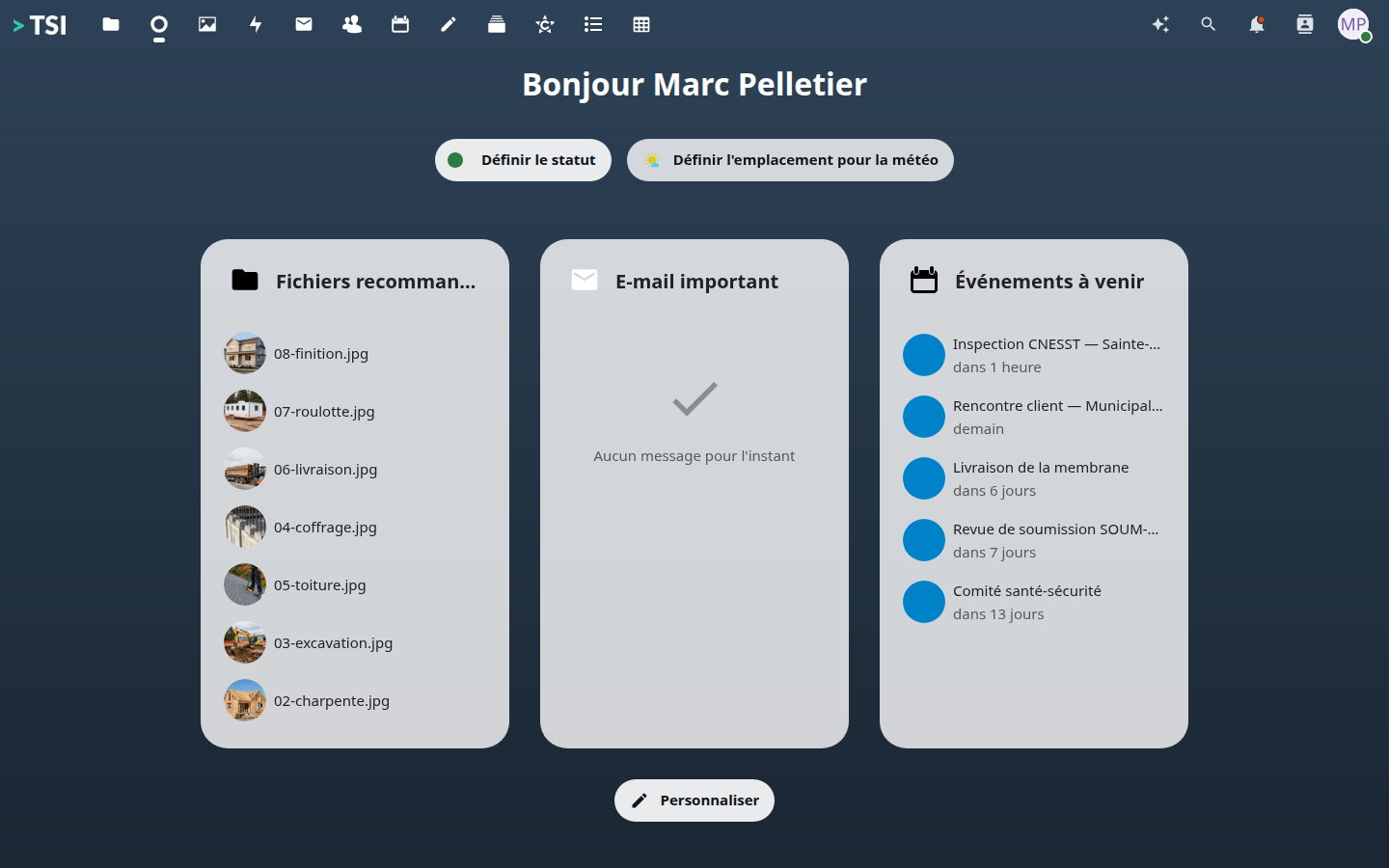
The dashboard
What waits for the employee in the morning: recent files, tasks, the day ahead.
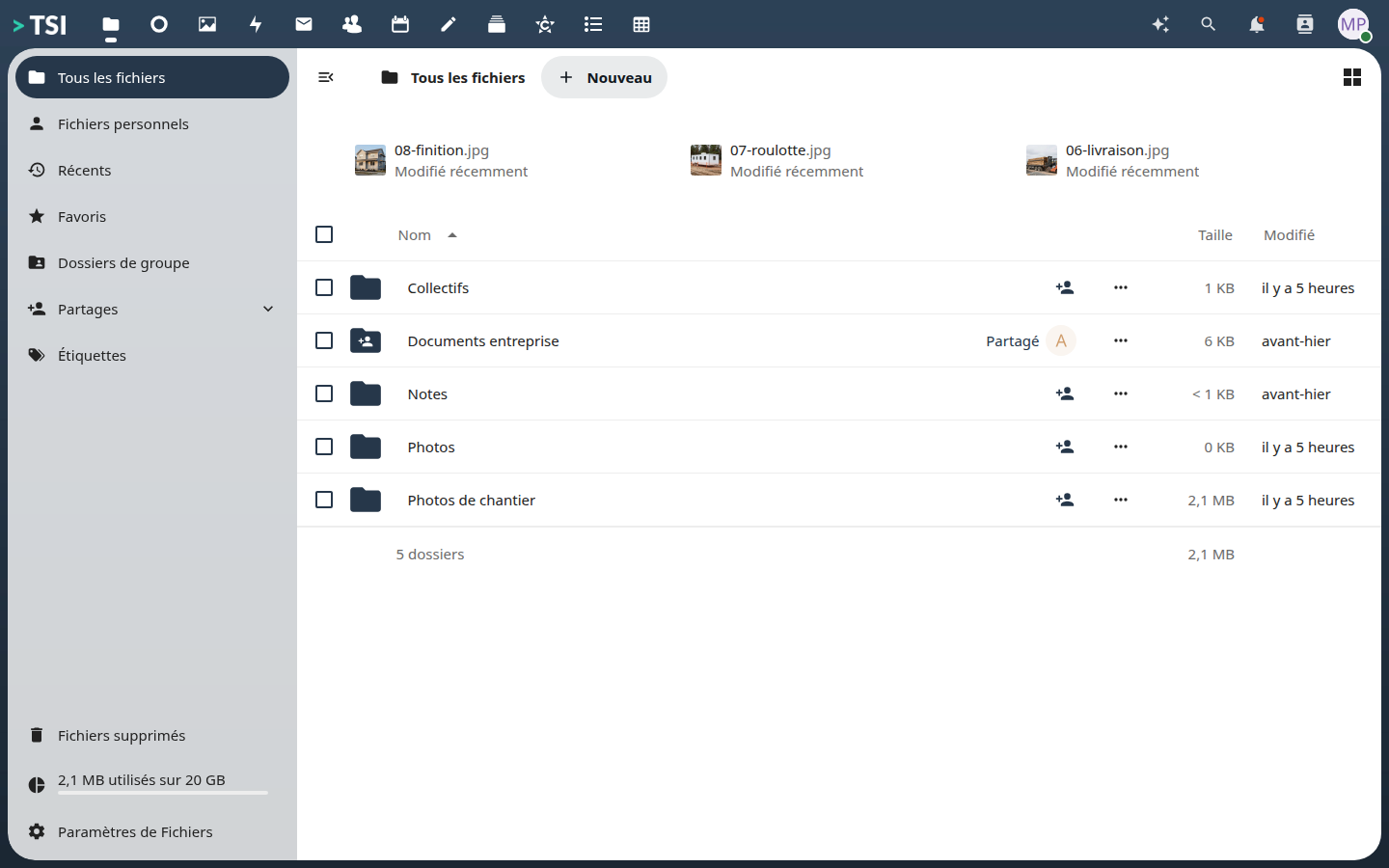
Company files
A tree by job site, shared by team. What SharePoint does, on your servers.
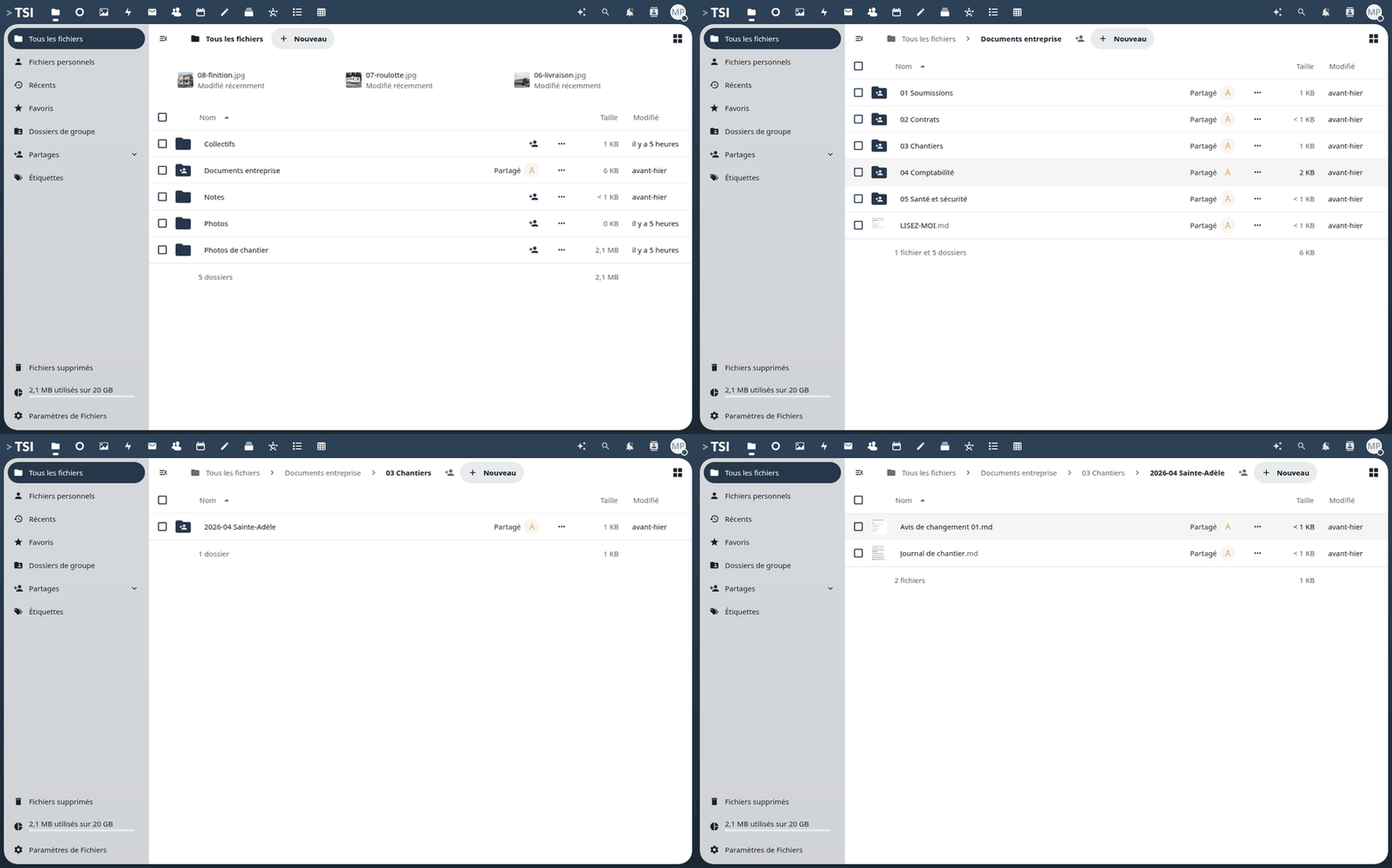
Browsing the company folders
From the root folder to a job-site log, in three clicks, in the browser.
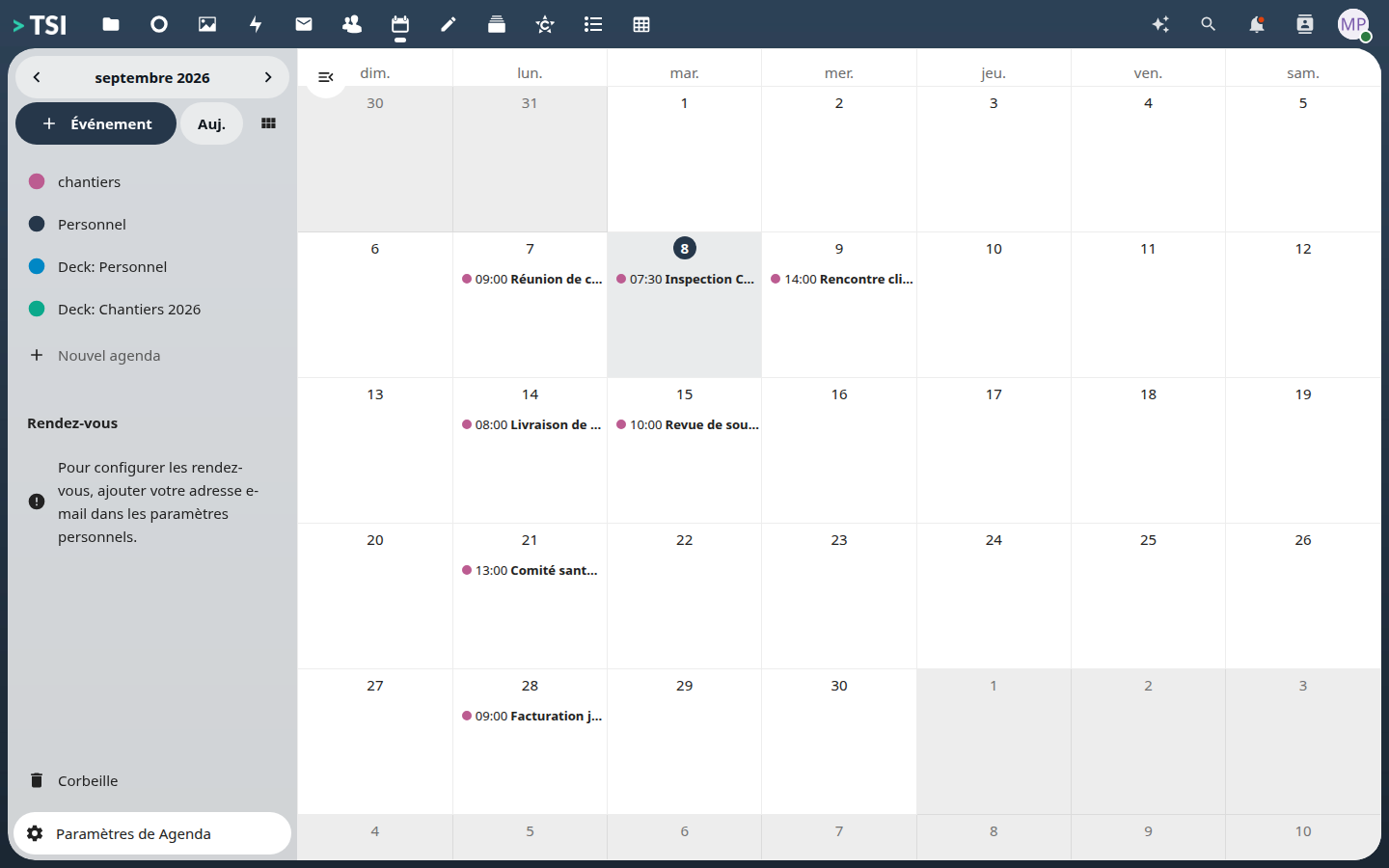
The team calendar
Site meetings, deliveries, committees. Synchronised with phones.
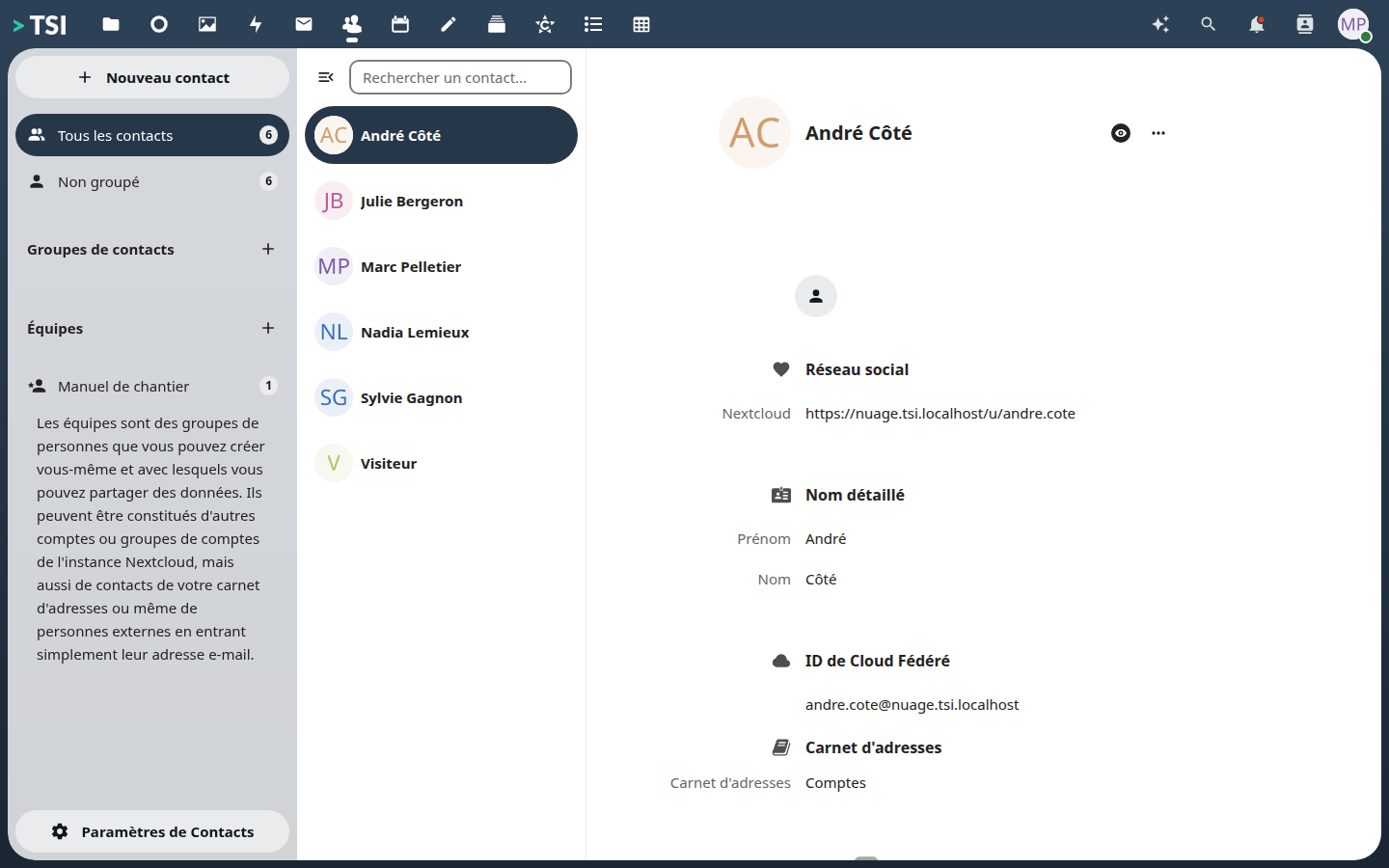
The shared address book
Clients, suppliers, subcontractors. One address book, not twelve spreadsheets.
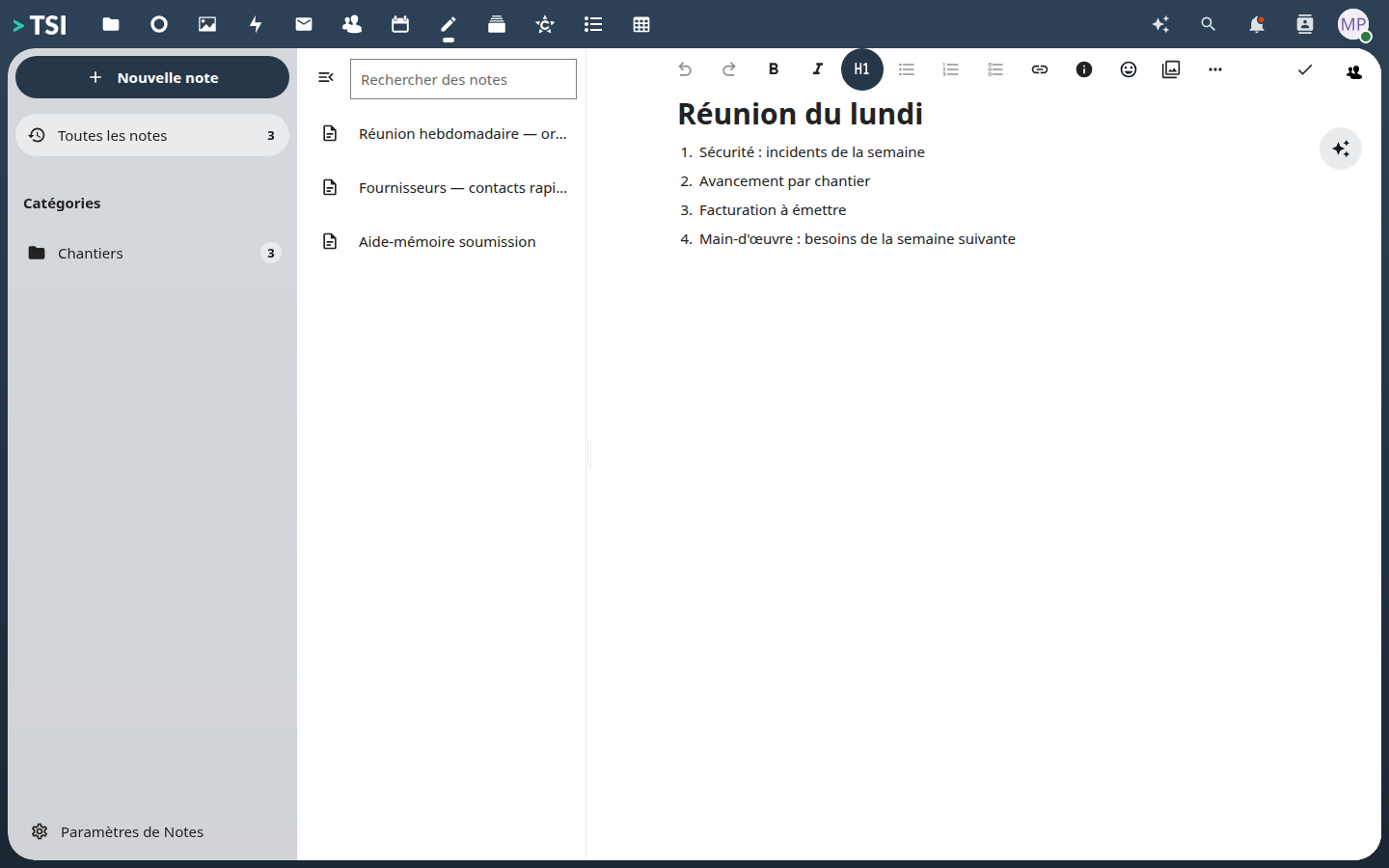
Team notes
Reminders, quick contacts, meeting agendas. What OneNote does.
Work in the field
The job site produces tasks, photos and reports. They arrive in the company instead of staying on the foreman's phone.
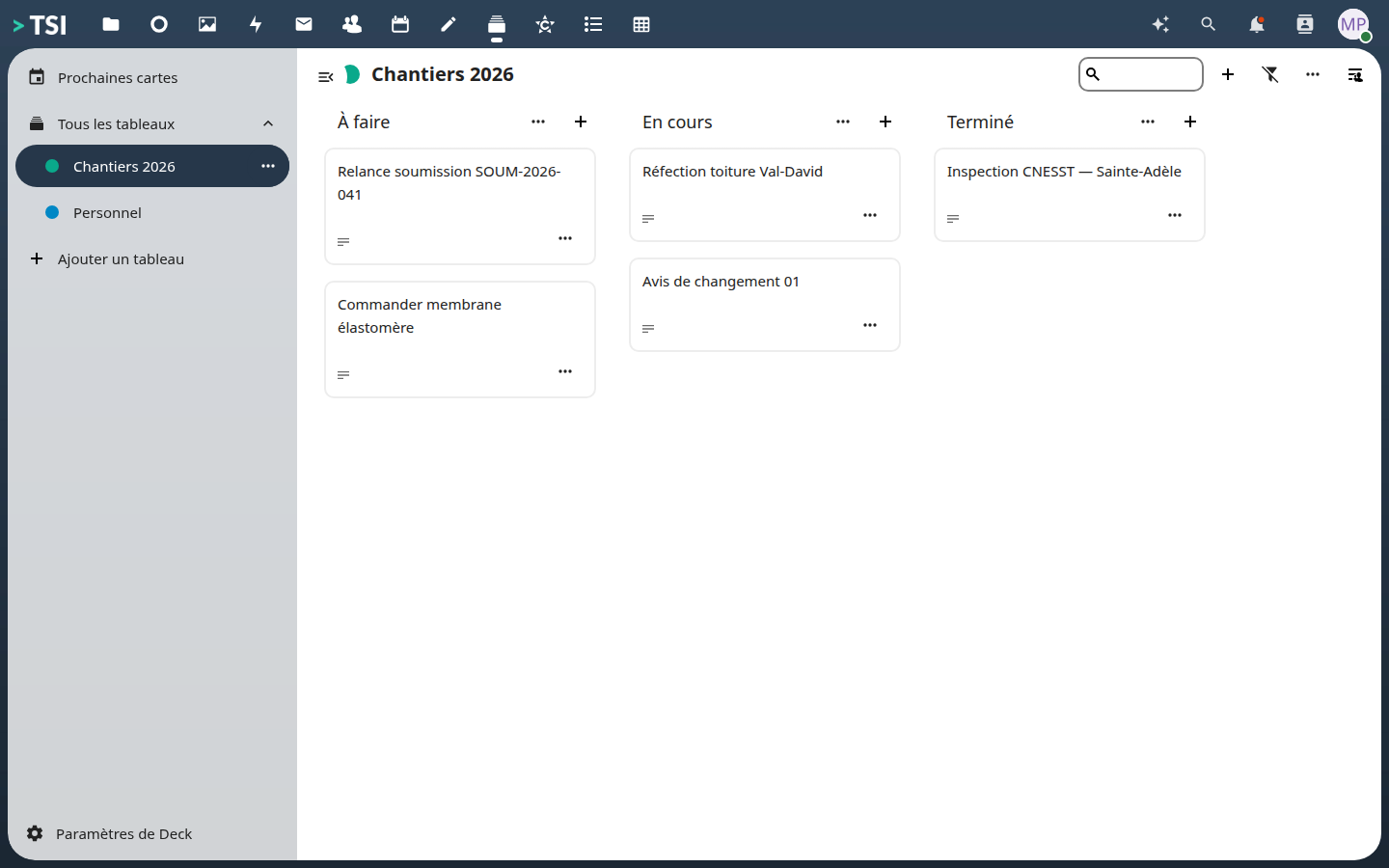
Task tracking
A board per project, cards you move. What Planner does, without a Microsoft account.
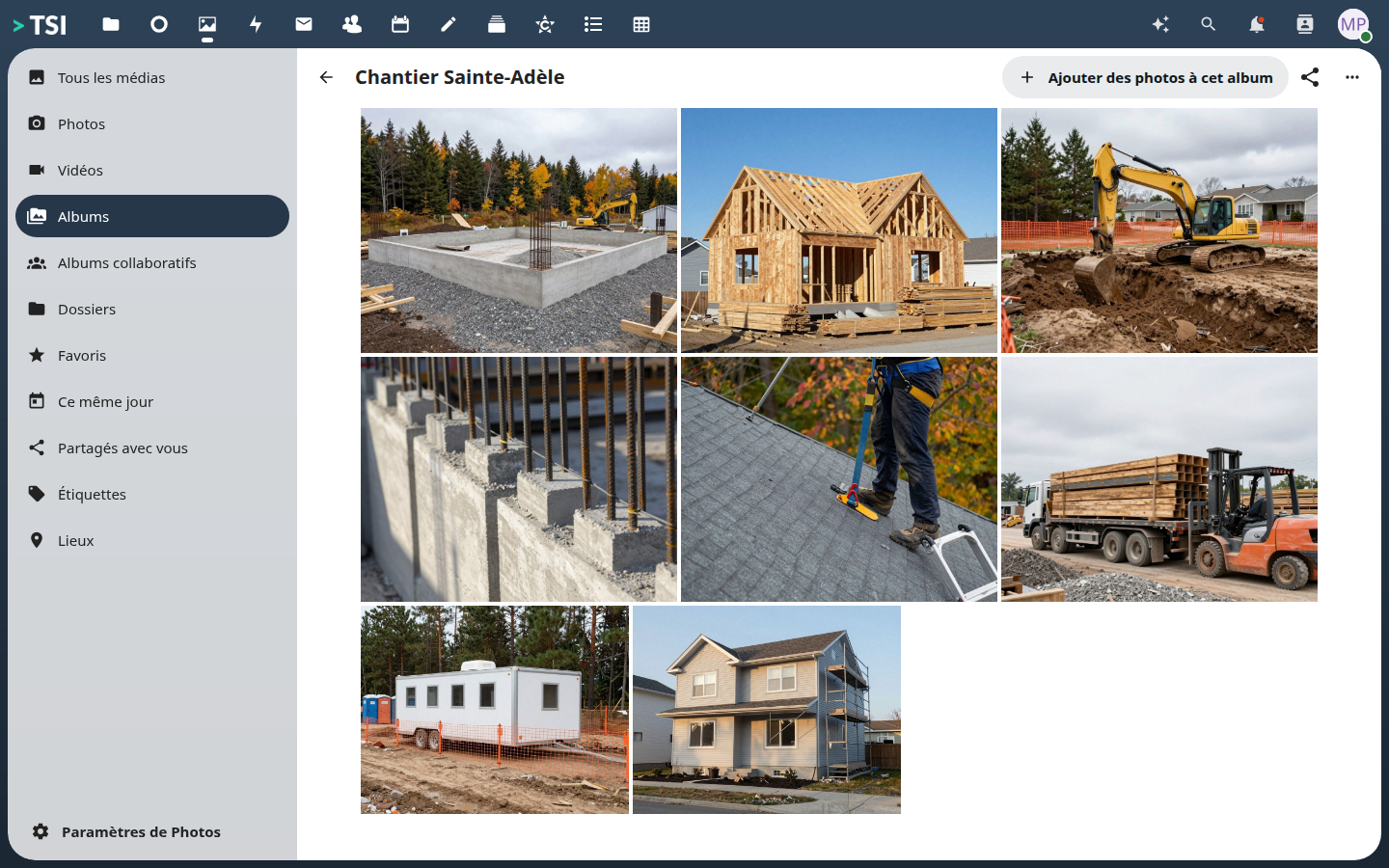
Job-site photos
Progress is photographed from the phone and lands in the company album. No Google Photos account, no 'Camera' folder found a year later.
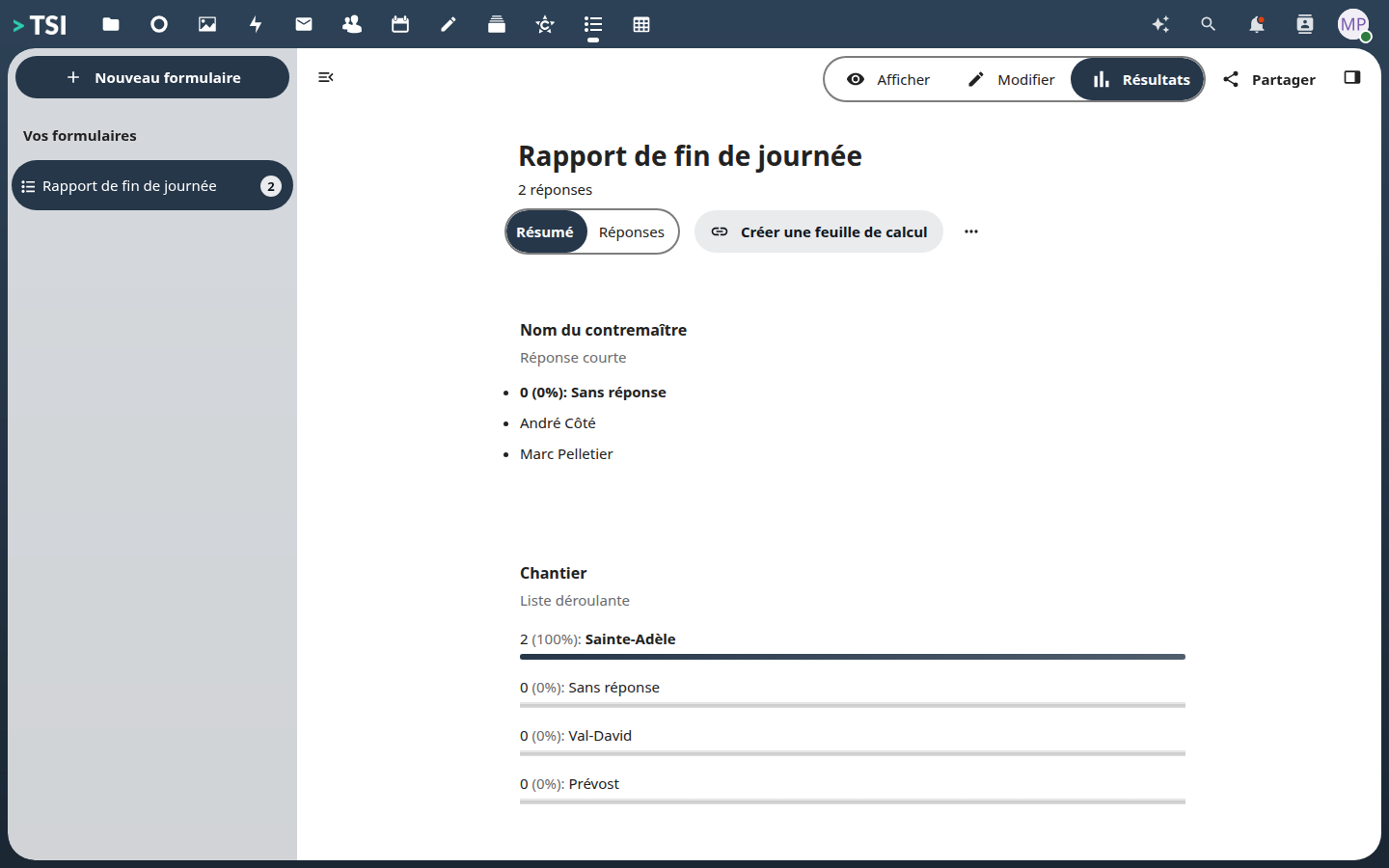
Field forms
The end-of-day report is filled in from the site and the answers collect in one place. What Google Forms does, without the answers leaving.
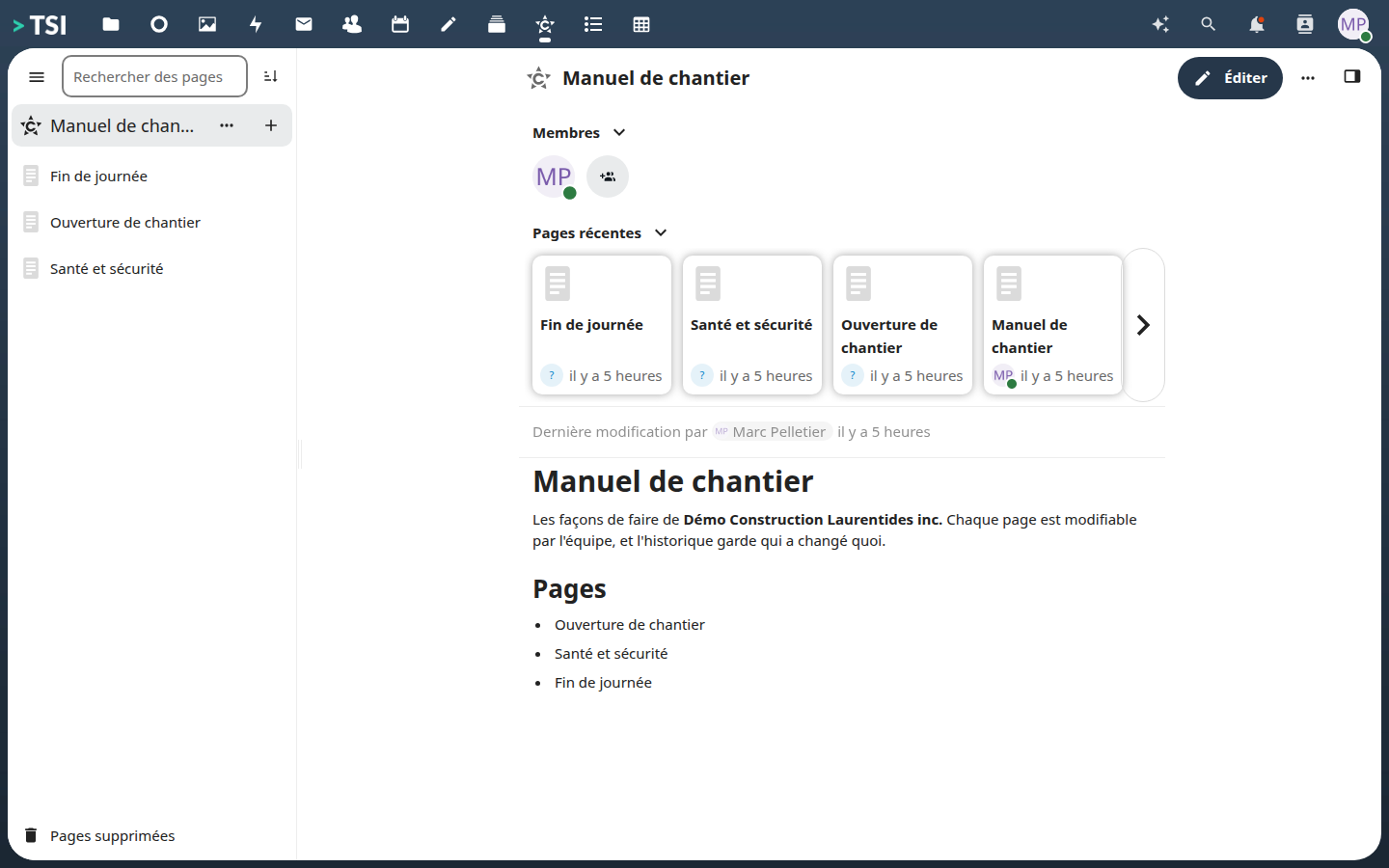
The company handbook
Your ways of working written once, editable by the team, with a history of who changed what. What a binder on the foreman's desk does not do.
Communicating and producing
Email, team channels and office documents in the same window, with no per-seat licence.
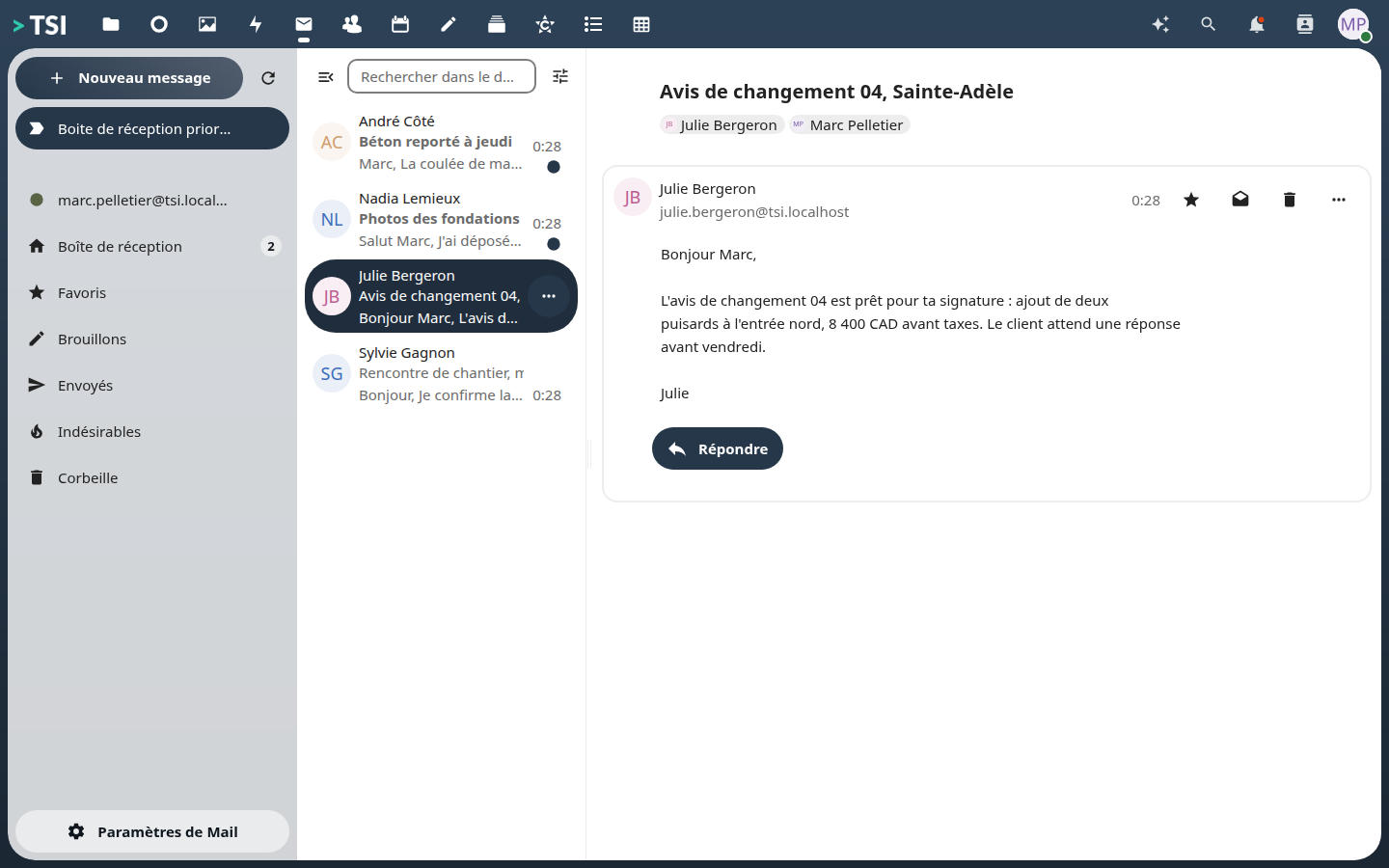
Company email
Mailboxes @yourdomain, in the same tab as the files and the calendar. The mail server is yours, not a supplier’s.
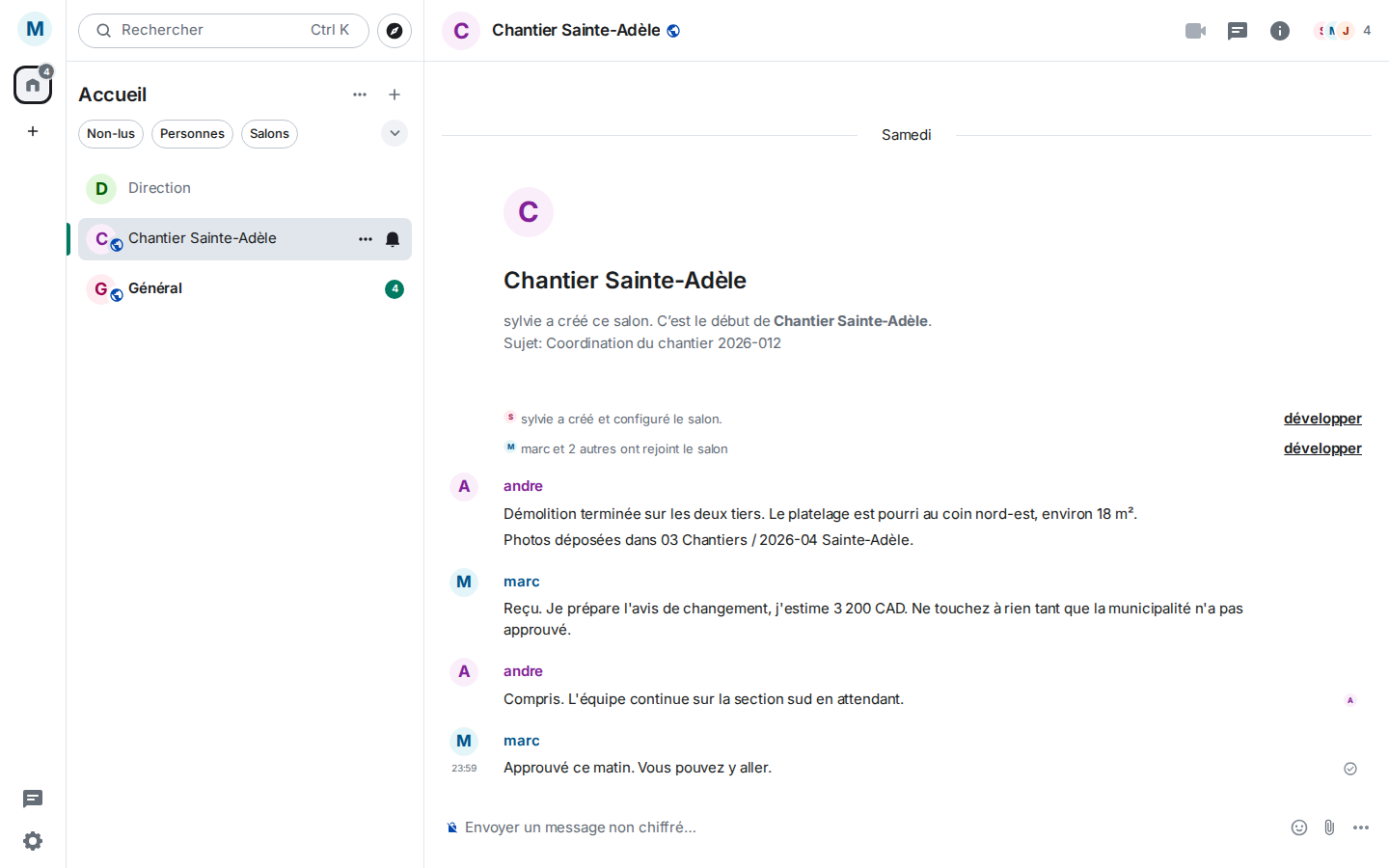
Team chat
Channels per job site, conversations that stay. What Teams does, without the exchanges leaving Quebec.
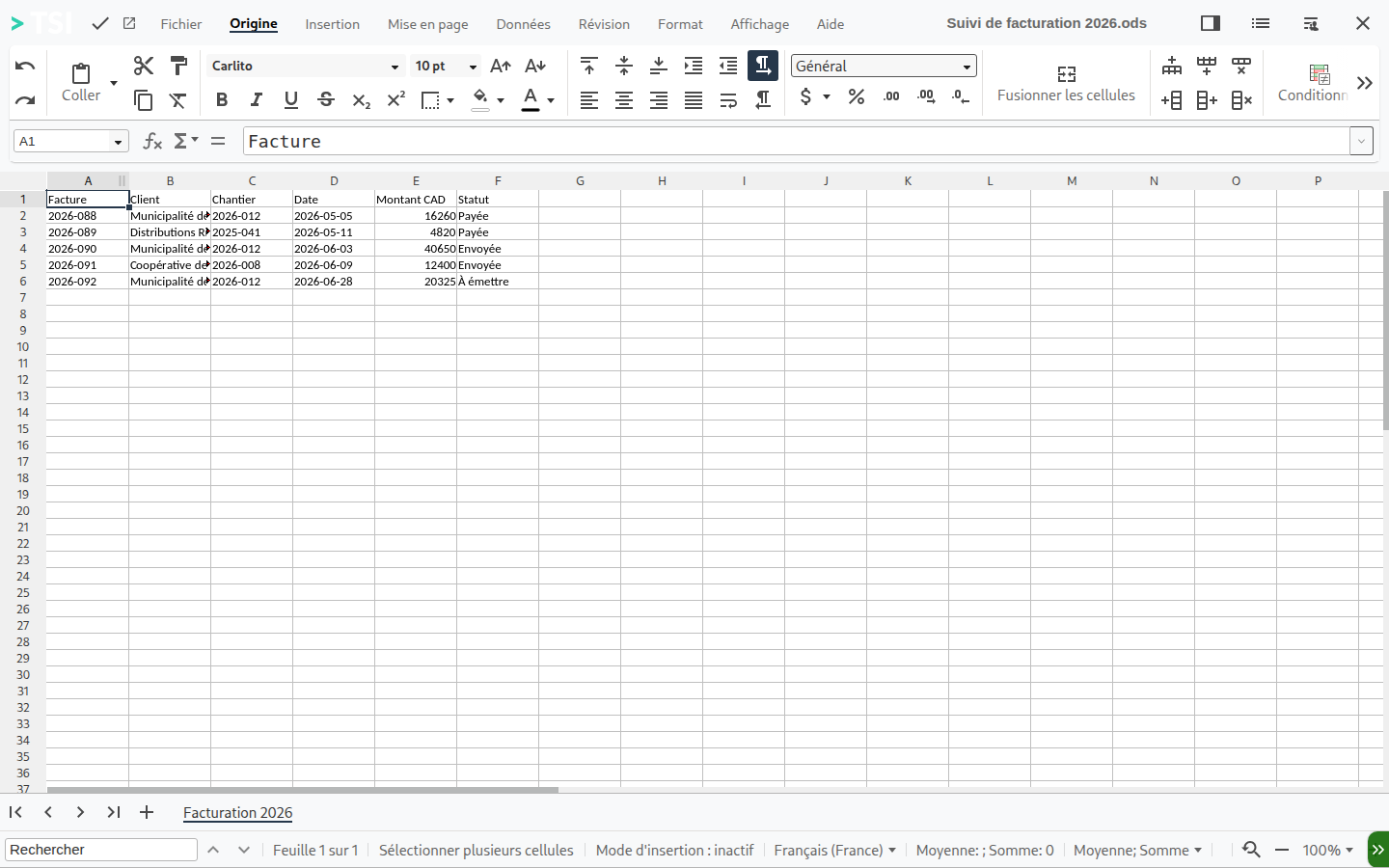
Office documents in the browser
The spreadsheet opens and is edited online, by several people at once. No per-seat licence.
Artificial intelligence, on your terms
The assistant we ship runs on your machine: not a sentence leaves the building. A client who prefers the power of OpenAI, Gemini or Anthropic can connect them instead. That is a business decision, and it is yours.
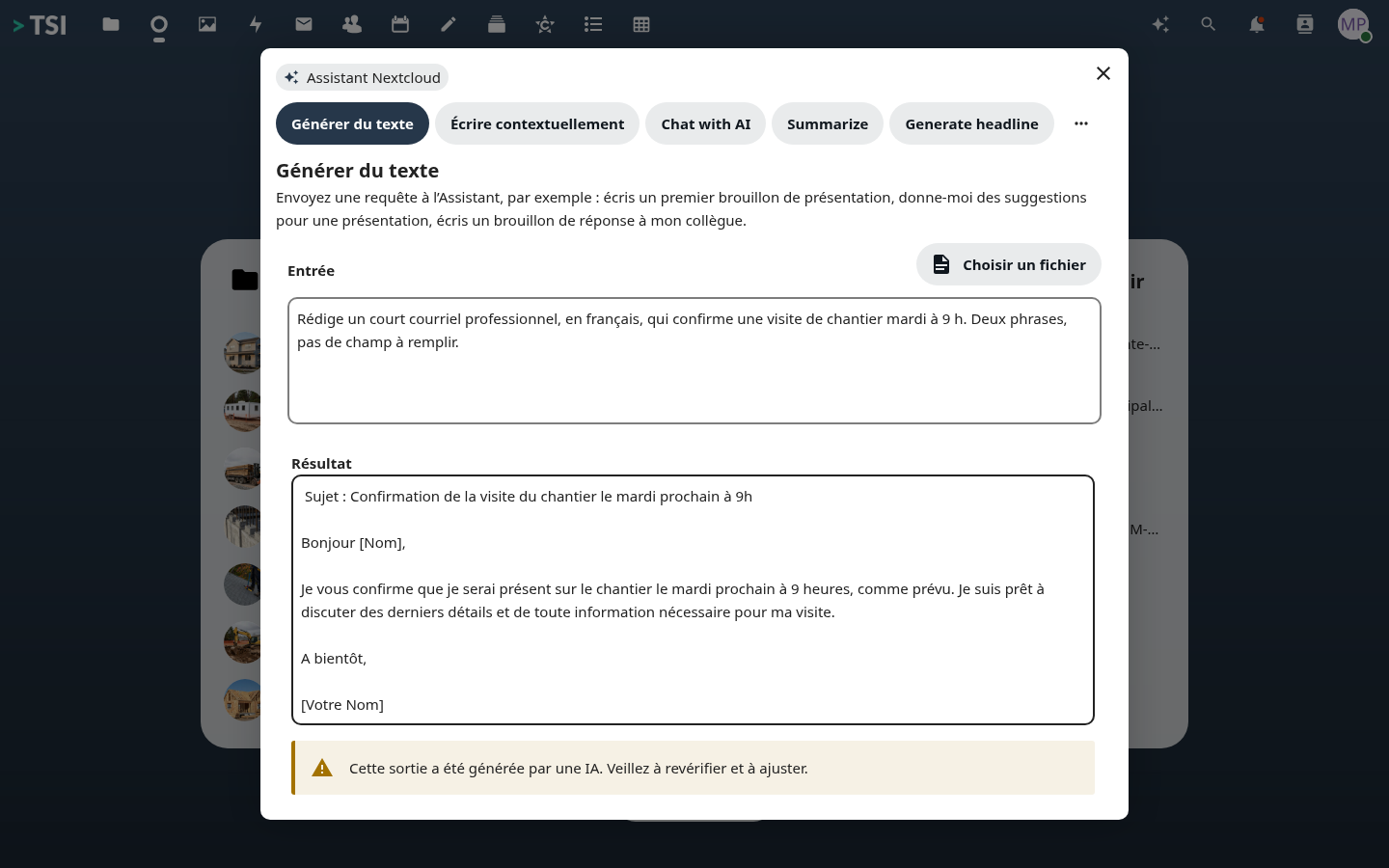
An assistant that does not leave the building
The model runs on the same machine as your files. No sentence is sent to OpenAI, Microsoft or Google.
Who gets in, who sees what
One place to open an account, close it, and check what happened. An employee leaving is settled in one operation.
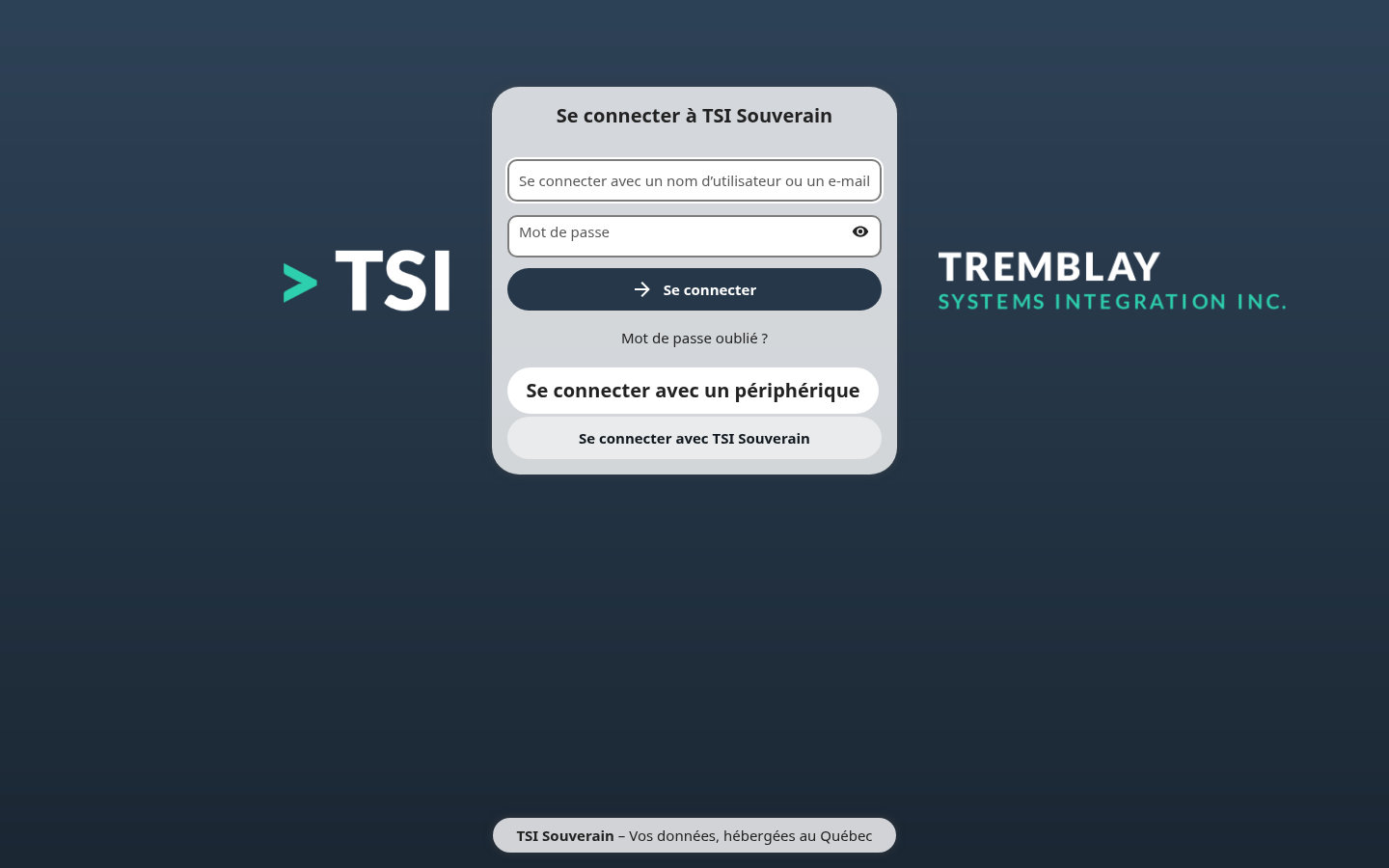
A front door in your name
The employee does not land on an American product: they land at your company.
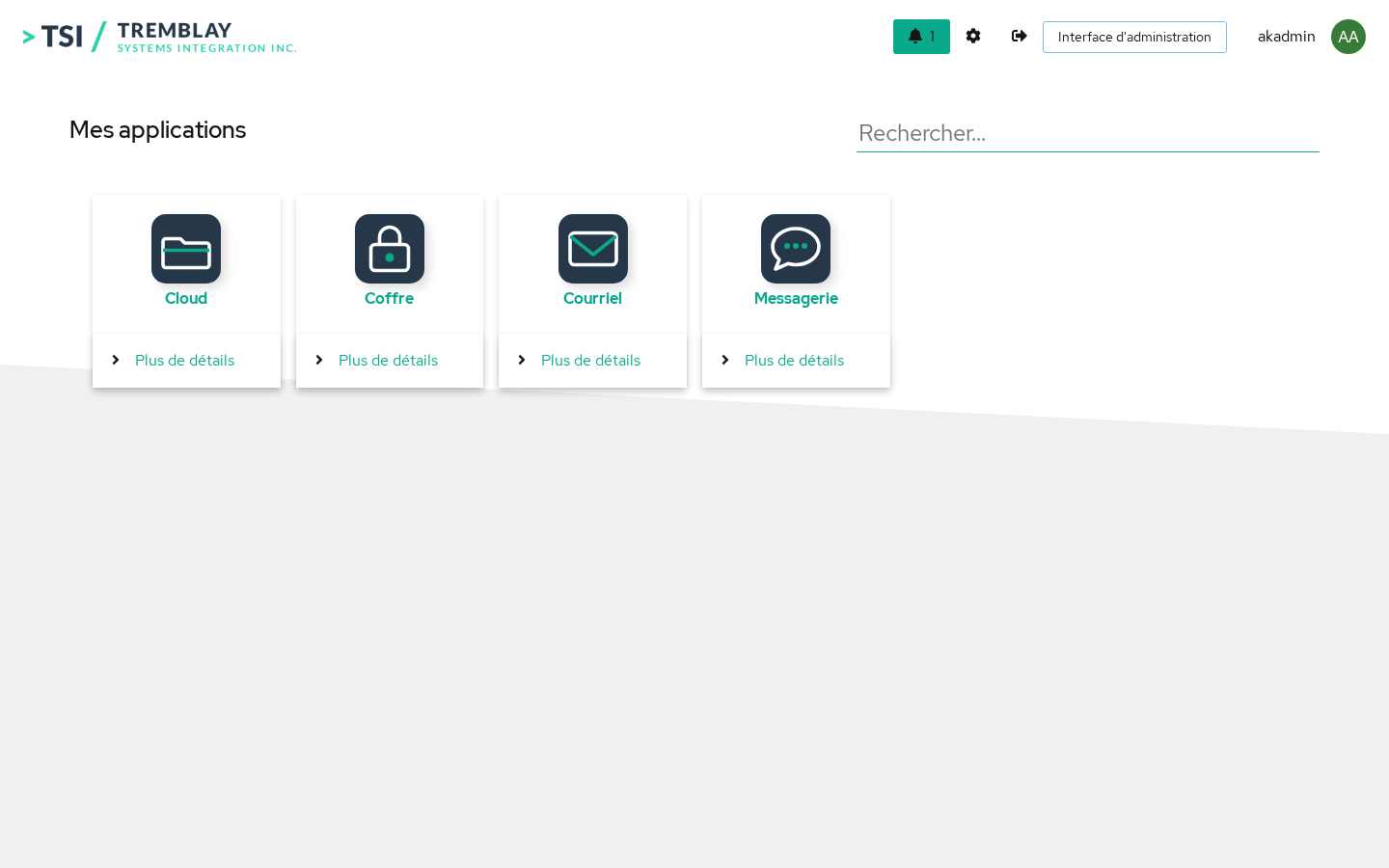
A single starting point
The employee opens one address and sees what they are entitled to.
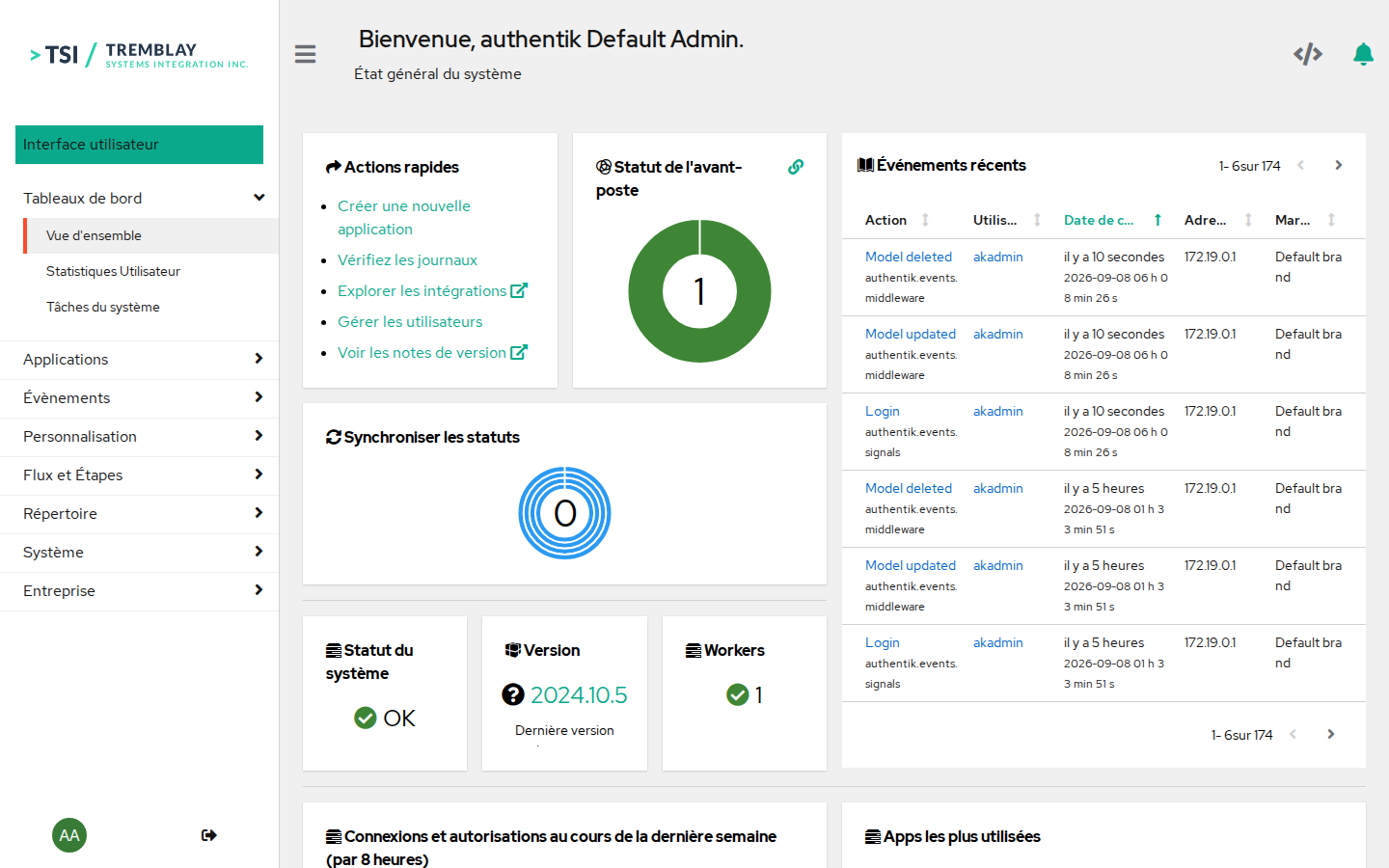
Access administration
Create an account, remove it, see who signed in. An employee leaving is settled in one place.
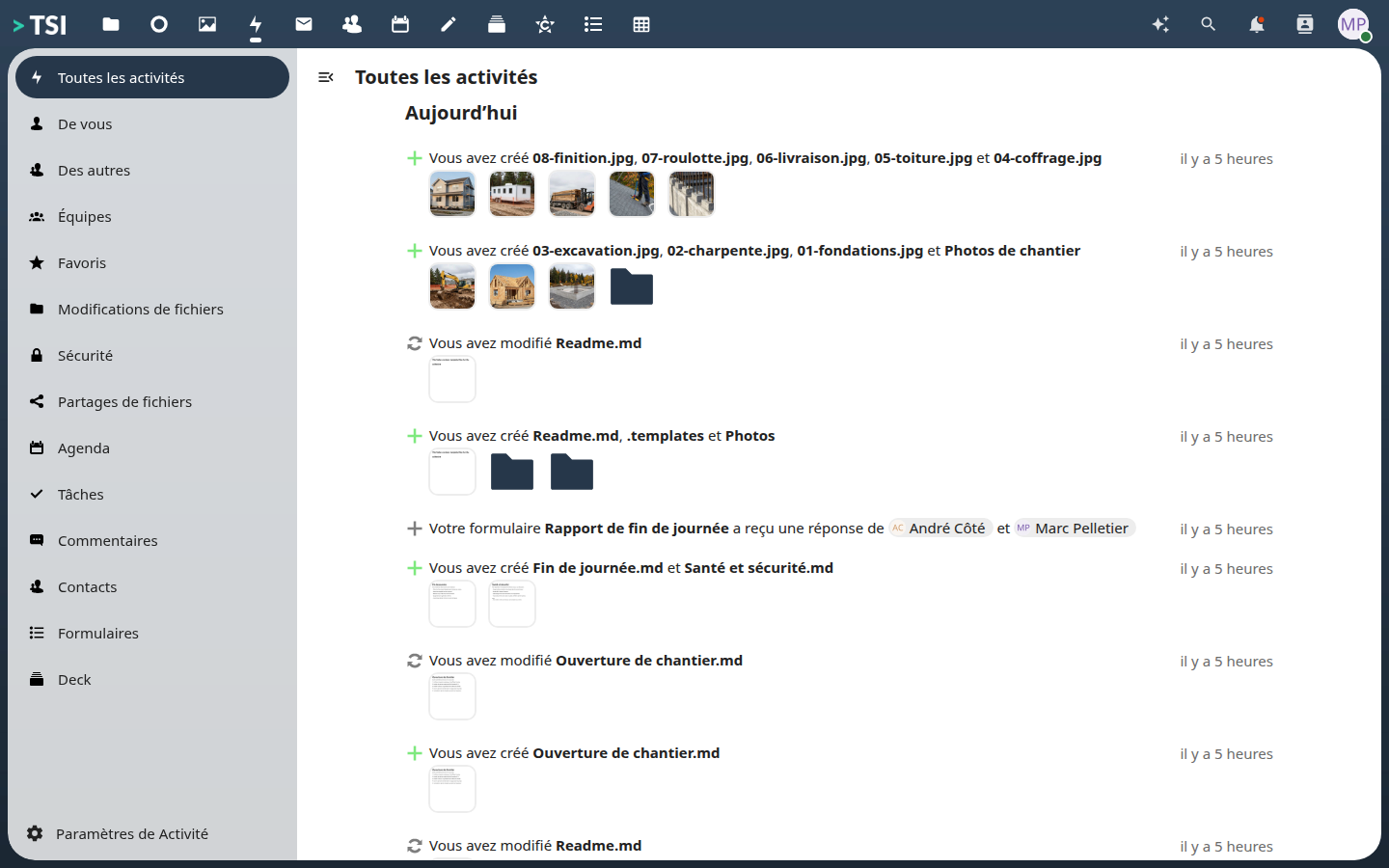
The log of what happened
Who put what, when, and in which folder. An audit question is settled by looking, not by asking.
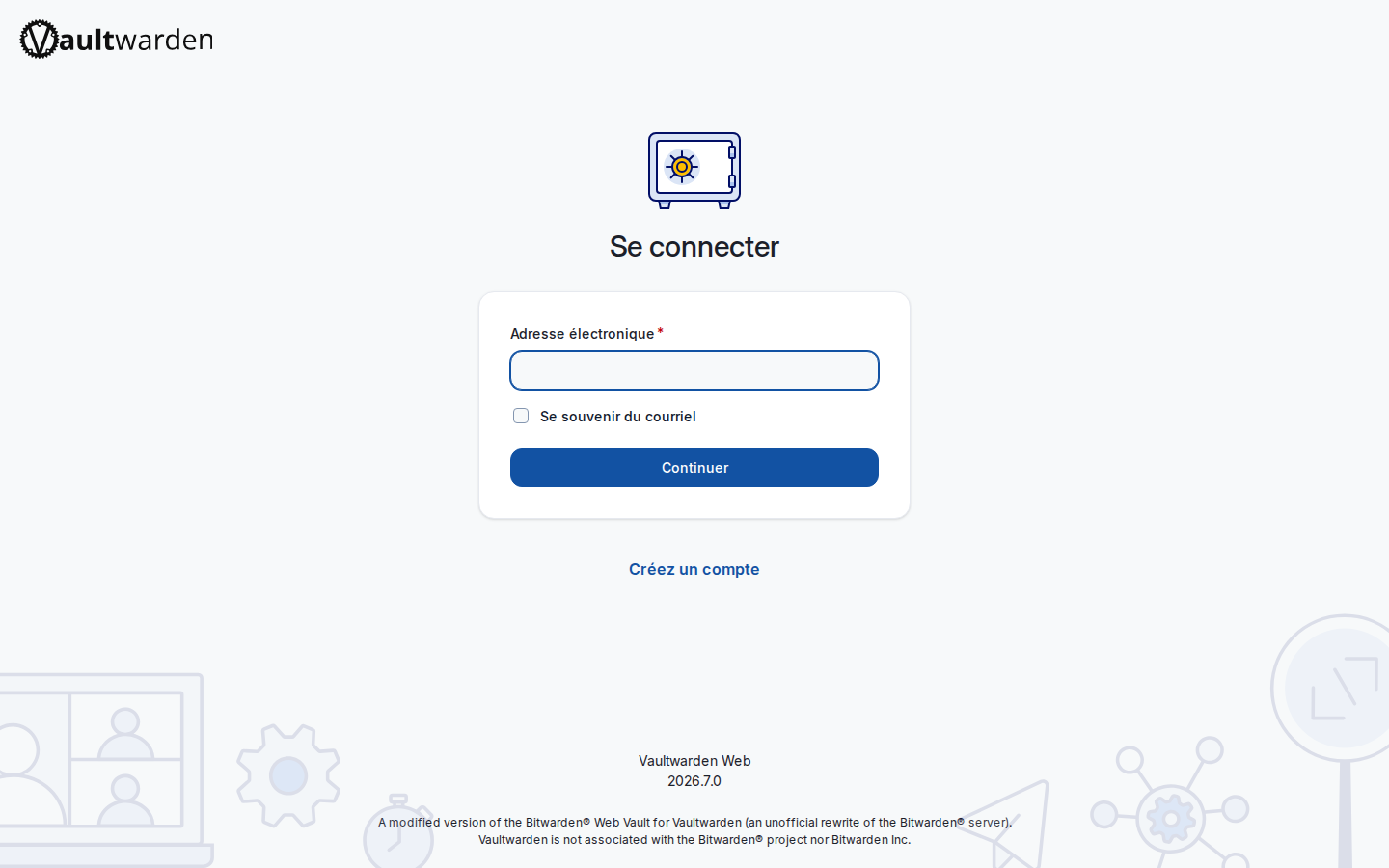
The password vault
The company passwords, encrypted, on your server rather than in a notebook.
What it replaces
The left column is what is billed today. The right column is included, on your servers.
| What you pay for | What you get |
|---|---|
| SharePoint, OneDrive | Company files and shares |
| Exchange, Outlook | A mail server in your name |
| Teams | Team chat by job site |
| Word, Excel, PowerPoint | Office documents online, together |
| Planner | Task boards per project |
| OneNote | Team notes |
| Google Forms | Field forms |
| Google Photos | Job-site albums |
| Entra ID (Azure AD) | Unified accounts and access |
| LastPass, 1Password | Password vault |
| Copilot | A local assistant, or the provider of your choice |
See the same thing with your own data
A demonstration takes an hour, and a full installation a week for a company with nothing to migrate.
Screenshots of a running installation. The data shown is that of a fictional company, « Démo Construction Laurentides inc. »: no client, no job site, no real amount.